ServiceTitan Scheduling, ServiceTitan Online Booking, ServiceTitan AI, Booking Automation, AI Scheduling
8 min read
ServiceTitan Scheduling Automation: What It Does and What ScheduleBot Adds

July 27, 2026





ServiceTitan scheduling automation helps home service companies manage jobs, availability, dispatch workflows, customer records, and operational scheduling inside the field-service system their team already uses. ScheduleBot adds the front-end AI layer around that workflow: AI answering, guided intake, online booking support, missed-lead recovery, and CRM-native booking paths that help more inbound demand become usable jobs or leads.
For ServiceTitan companies, the goal is usually not to replace the operating system. The dispatch board, customer history, business units, job types, memberships, and reporting already matter too much. The bigger question is what happens before a request becomes a clean ServiceTitan booking.
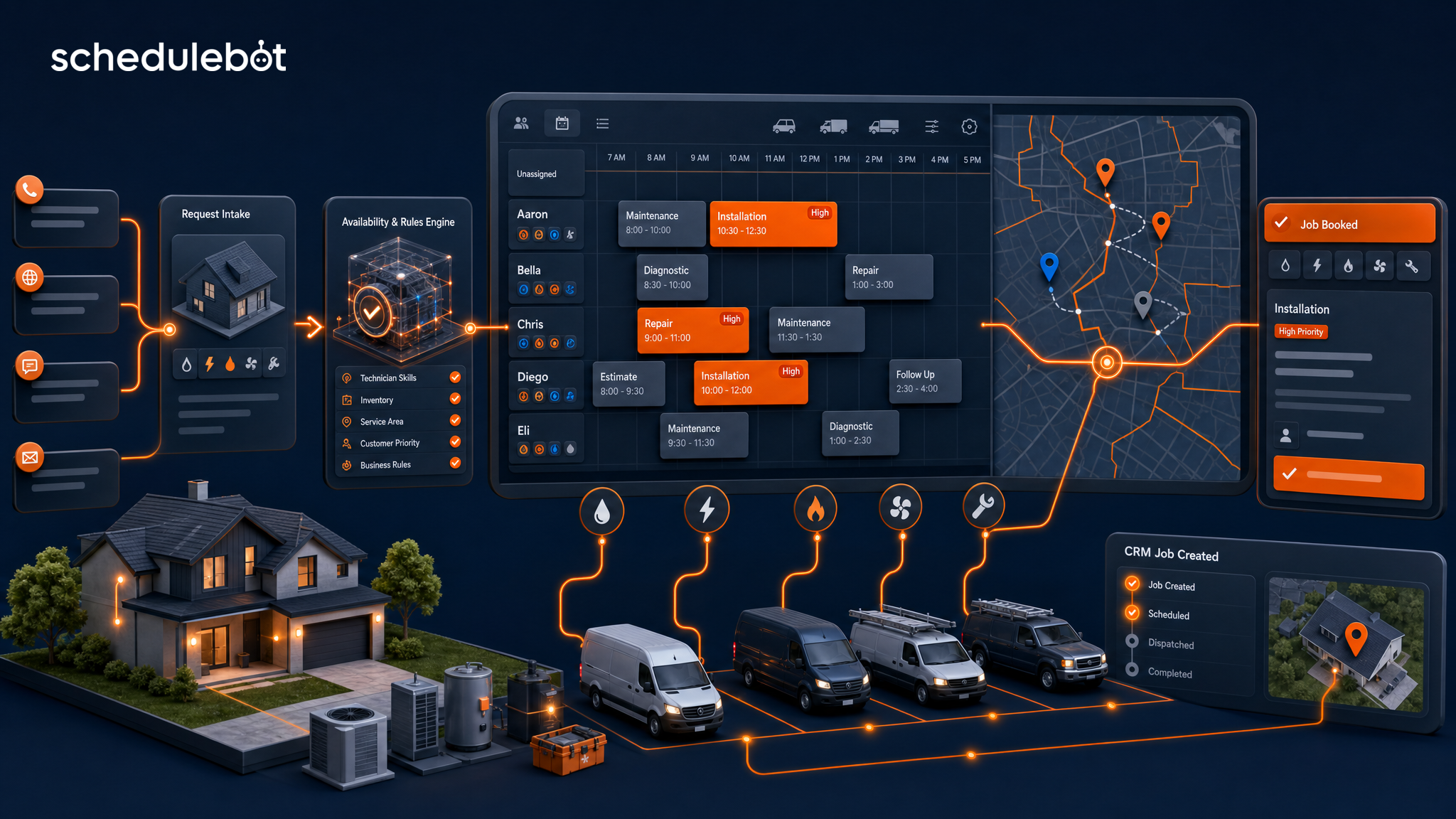
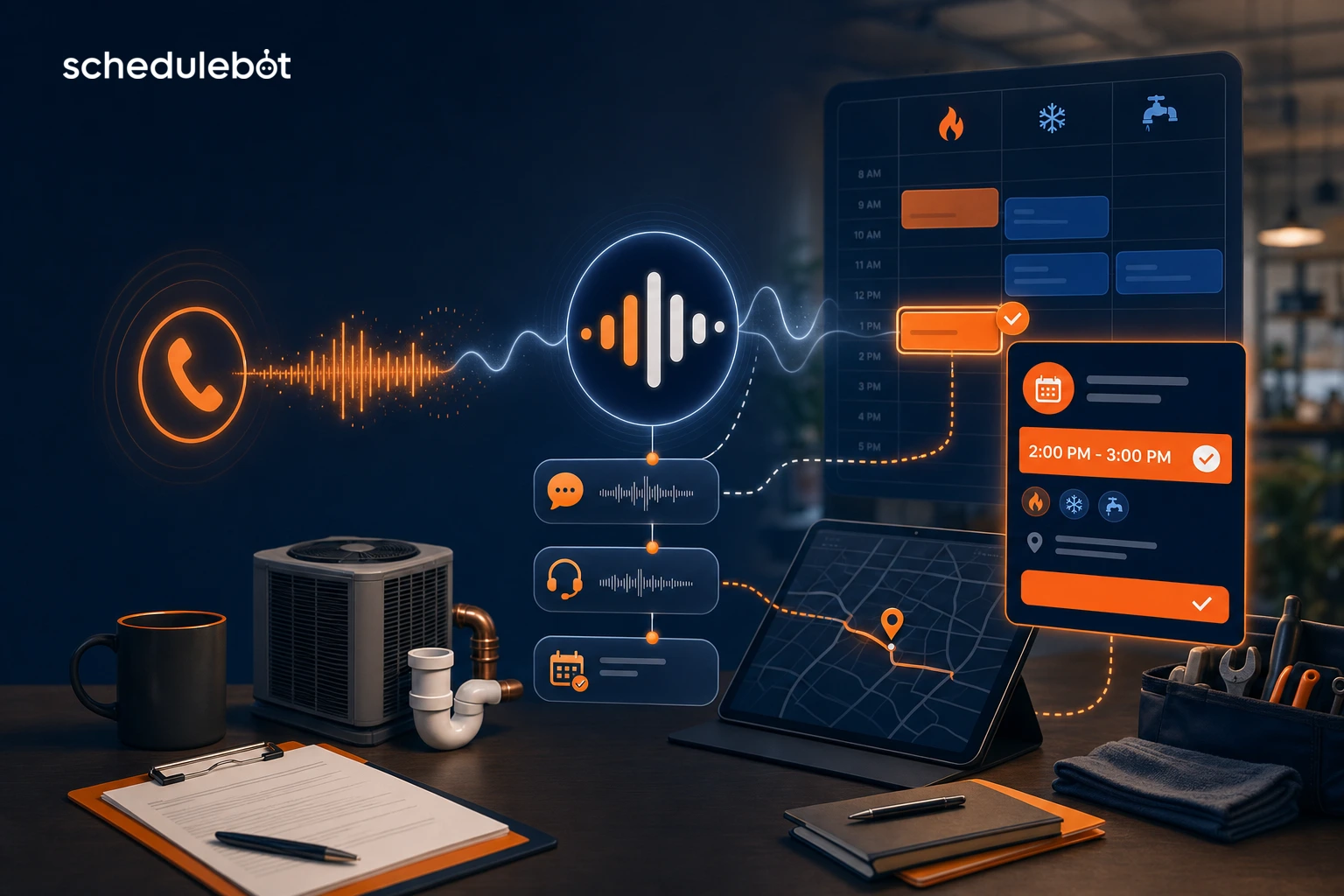
A homeowner may call after hours, start a form from Google, open website chat, text back from a campaign, or abandon scheduling halfway through. If that first-mile intake is slow or disconnected, the office still has to chase the customer, interpret the issue, and rebuild the job manually. That is where ServiceTitan scheduling automation and ScheduleBot work best together.
Answer block: ServiceTitan scheduling automation helps contractors run scheduling and dispatch workflows inside ServiceTitan. ScheduleBot adds AI-powered intake across calls, forms, chat, SMS, and missed-lead recovery, then supports ServiceTitan-connected booking workflows where configured. In practice, ServiceTitan remains the system of record while ScheduleBot helps convert more inbound demand into structured jobs or leads.
This distinction matters for buyers comparing ServiceTitan online booking, ServiceTitan AI, a ServiceTitan alternative, or booking automation tools. ScheduleBot is not trying to be a full field-service management platform. It is built to help home service companies answer, qualify, schedule, and recover demand before that demand disappears.
A field-service management system like ServiceTitan is built around the operational core of a contractor. It helps teams manage customer records, jobs, dispatch workflows, service categories, technician schedules, membership context, reporting, and the daily work of keeping the board moving.
That native layer is valuable because it keeps scheduling tied to the rest of the business. A job is not just a calendar event. It connects to a customer, address, business unit, service type, priority, source, notes, and downstream reporting.
For a ServiceTitan shop, good scheduling automation should protect that source of truth. The office should not have to reconcile a separate public calendar with ServiceTitan later. Dispatch should not receive vague notes that require another phone call before the request can be trusted. Marketing should be able to understand which sources created real booked work, not just clicks or form fills.
Even strong FSM scheduling does not automatically solve every front-end conversion problem. Most leakage happens before the request is clean enough for dispatch.
None of this makes ServiceTitan weak. It just means the scheduling system of record and the customer-facing intake layer have different jobs.
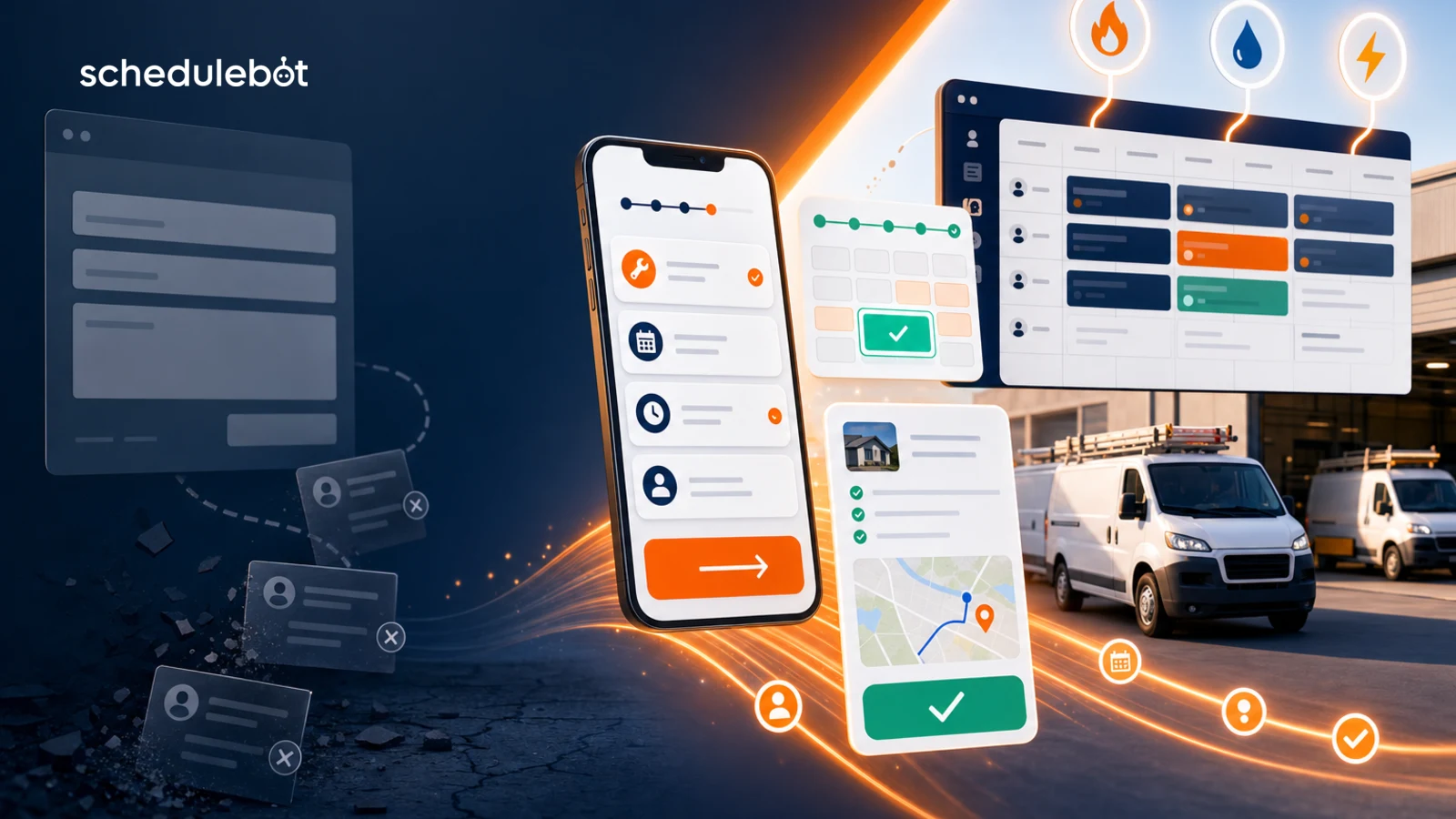
ScheduleBot is scheduling and call center automation built for home service companies. For ServiceTitan users, it adds an AI-powered intake and conversion layer around the dispatch workflow.
That last point is the practical difference. ScheduleBot is not just a chatbot bolted onto a website. It is designed to help create structured outcomes: a booking when the workflow supports it, or a clean lead with enough context for human review when it does not.
ServiceTitan online booking can help companies offer a more direct path from website demand to scheduling. That is useful, especially for contractors that already manage operations in ServiceTitan. But many home service requests need more than a slot picker.
A plumbing leak, no-cool call, electrical panel issue, roof repair, membership tune-up, replacement estimate, commercial request, and out-of-area lead may all require different handling. The customer may not know which path to choose. The business may not want every visitor to see the same appointment windows.
AI-guided booking is useful because it starts with the customer's words and asks the next relevant question. The goal is not diagnosis. The goal is clean scheduling context: who the customer is, where the job is, what kind of work they need, how urgent it is, whether it fits the service area, and what next step makes sense.
That is why ScheduleBot's broader home service answering service and scheduling software guide focuses on the whole lead-to-booked-job workflow, not only the calendar.
For companies already running ServiceTitan, ScheduleBot should not be evaluated as a ServiceTitan alternative. ServiceTitan is the field-service operating system. ScheduleBot is the intake, answering, scheduling, and recovery layer that helps more customer demand reach that operating system cleanly.
A contractor might look for a ServiceTitan alternative if they want to replace their FSM. That is a different buying decision. ScheduleBot is for companies that want to keep the system their team already uses while improving how calls, forms, chat, SMS, and missed leads turn into booked jobs or clean follow-up.
That makes the comparison more straightforward:
The best version of scheduling automation does not remove humans from the business. It gives them cleaner work.
CSRs should not have to manually interpret every vague form submission, chase every after-hours voicemail, or rebuild every chat conversation into a usable job. Dispatch should not have to guess whether a request is urgent, in-area, a repair, an estimate, a member visit, or a callback.
ScheduleBot can support the team by handling repetitive first-mile intake, collecting structured answers, and escalating exceptions when human judgment is needed. That lets the office focus on complex customers, scheduling exceptions, unhappy callers, financing questions, and jobs that need a person.
For ServiceTitan companies, the business case should be measured in booked work and recovered opportunities, not just automation volume.
The strongest opportunities usually appear where the company already has demand: Google Ads, Local Services Ads, SEO, Google Business Profile, direct mail, referrals, repeat customers, and after-hours calls. Better intake helps protect the marketing spend the contractor already paid for.
ScheduleBot's ServiceTitan integration is the deepest supported integration in the product. Based on configured workflows, ScheduleBot can work with ServiceTitan setup data, availability, booking or job creation, memberships, second-chance and abandoned-session workflows, and reporting-related use cases.
Not every company uses every capability, and implementation depends on configuration. That is why the right setup starts with the contractor's current ServiceTitan workflow: business units, job types, territories, priorities, booking rules, after-hours policies, and how the office wants exceptions handled.
The goal is simple: keep ServiceTitan as the source of truth while improving the path that gets a customer there.
ServiceTitan scheduling automation is strongest when it keeps scheduling tied to the operational system the business already trusts. ScheduleBot adds value before and around that system: answering demand faster, guiding intake, supporting ServiceTitan online booking workflows, recovering missed leads, and helping the office turn more requests into structured jobs or leads.
For home service companies, that combination is more practical than choosing between native FSM scheduling and AI booking automation. ServiceTitan runs the field-service operation. ScheduleBot helps more customer intent make it to the board.
ServiceTitan scheduling automation is the use of ServiceTitan workflows and connected scheduling tools to manage jobs, dispatch activity, availability, customer records, and booking operations inside the field-service system. It helps contractors keep scheduling work tied to the system their office and dispatch teams already use.
No. ScheduleBot is not a ServiceTitan alternative for companies that rely on ServiceTitan as their field-service operating system. ScheduleBot adds an AI intake and booking layer across calls, forms, chat, SMS, and missed-lead recovery, then works with ServiceTitan in supported workflows.
ScheduleBot can guide customers through AI-assisted intake, collect structured job details, check rules and availability in supported ServiceTitan workflows, and move qualified requests toward a booking or clean lead instead of leaving the office with a vague form submission.
ServiceTitan AI and native ServiceTitan tools can help teams operate inside the ServiceTitan ecosystem. ScheduleBot focuses on the front end of the lead-to-job workflow: answering demand, asking the right intake questions, recovering missed or abandoned leads, and supporting CRM-native booking paths.
ScheduleBot is a strong fit for HVAC, plumbing, electrical, roofing, and other home service companies using ServiceTitan that have after-hours calls, overflow, paid lead spend, online booking drop-off, or CSRs spending too much time on repetitive intake and manual follow-up.