ServiceTitan Scheduling, ServiceTitan Online Booking, ServiceTitan AI, Booking Automation, AI Scheduling
8 min read
ServiceTitan Scheduling Automation: What It Does and What ScheduleBot Adds

July 27, 2026





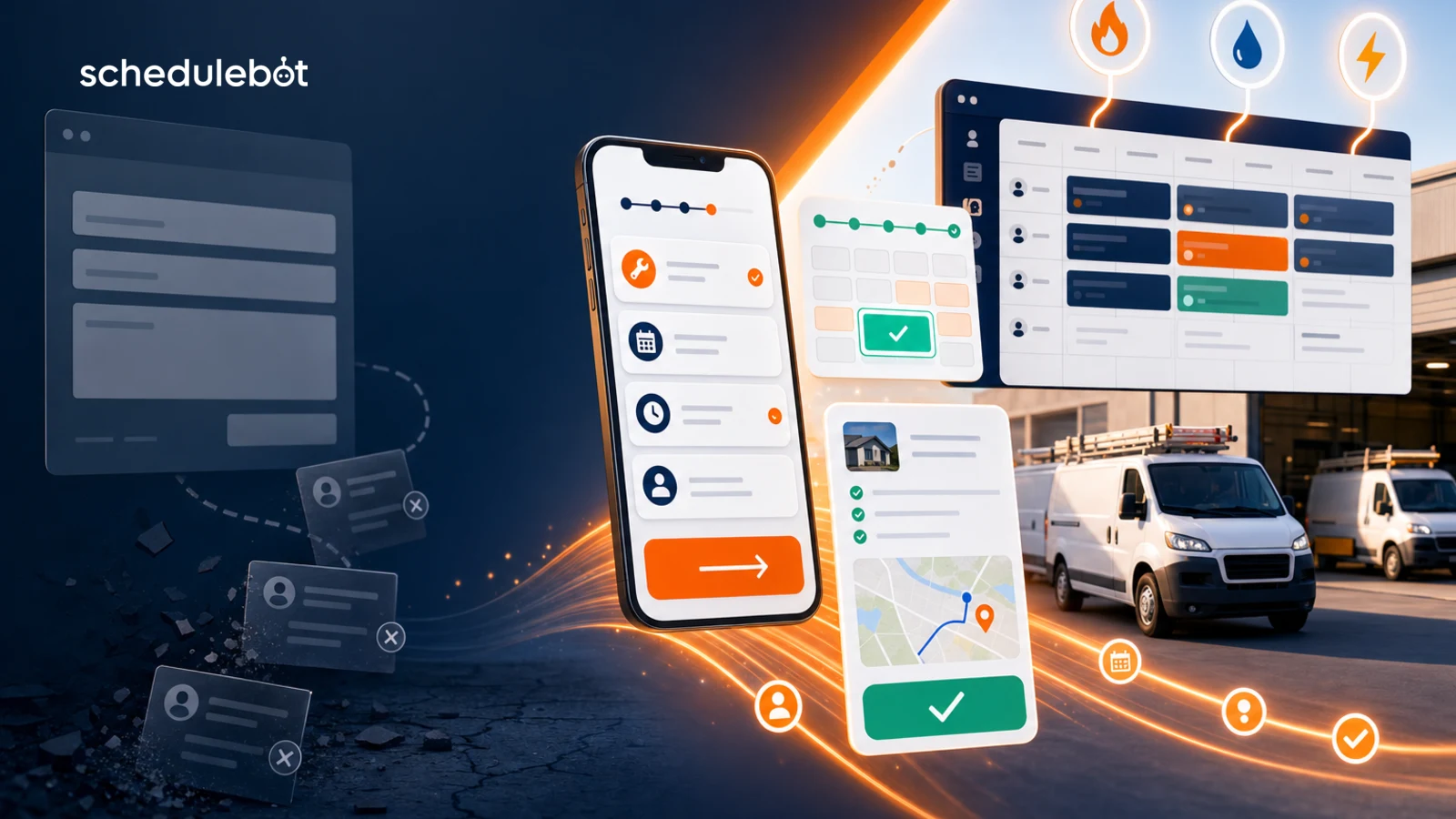
An online booking system for home services helps contractors turn website visitors into booked jobs by guiding intake, checking service rules, showing real appointment options, and creating clean jobs or leads in the CRM. Static forms usually stop at information capture. That is why they lose jobs: the customer still has to wait for someone to read the request, call back, qualify the work, and find a time.
For HVAC, plumbing, electrical, roofing, and other home service companies, that gap matters. A homeowner with no AC, a leaking pipe, a tripped breaker, or a roof issue is not shopping for a form. They are trying to get help scheduled. If your website only collects a message, the booking process has not actually started.
This is the difference between a static online form and a true home service online booking system. One creates a task for the office. The other moves the customer toward the dispatch board.
Answer block: An online booking system is appointment booking software that lets customers schedule service online while applying the company's rules for service area, job type, urgency, availability, and CRM booking. In home services, a strong online booking system should guide the customer like a trained CSR, not just collect a name and phone number.
That definition is important because many tools call themselves online booking software while only handling one narrow step. A public calendar may show open times. A contact form may capture a lead. A generic appointment booking tool may send a confirmation email. Home service companies need a system that understands field operations.
Static forms look simple, but they push the hard work downstream. The form may ask for name, phone, email, address, and a short message. Then the office has to interpret everything manually.
The customer experiences that as friction. The business experiences it as callbacks, missed opportunities, messy lead records, and slower speed to booking.
ScheduleBot has written before about why many online schedulers underperform in home services. The deeper issue is not only the calendar. It is the whole path from customer intent to booked job. See the related post on why most online schedulers only convert 20-30%.
Home service appointment booking software has a harder job than a salon calendar or a restaurant reservation tool. A contractor cannot simply show every open slot to every customer. The system needs to understand whether the company can, should, and how it should book the request.
Before showing a time, the online scheduler for contractors should help answer questions like:
That is why home service online booking needs more than a prettier form. It needs operational logic.
AI Forms are useful because they can ask the next relevant question instead of forcing every visitor through the same static path. If a homeowner says the AC is not cooling, the flow can treat that differently from a seasonal tune-up or replacement estimate. If a plumbing customer mentions active leaking, the system can collect urgent context without burying them in irrelevant choices.
The AI does not need to diagnose the job like a technician. It needs to collect the right information for booking. That means interpreting the customer's words, classifying the likely service type, asking only necessary follow-up questions, and routing the interaction into the right workflow.
This is where online booking software and AI booking software start to overlap. ScheduleBot is built to guide calls, forms, chat, and SMS toward booked work, with CRM-connected workflows where supported. For a broader category overview, read the complete guide to AI booking software for home service companies.
A calendar can look available while still being wrong for the job. The slot may not fit the service type, branch, technician capacity, territory, priority, or after-hours rule. That is why an online booking system should calculate availability after it understands the request.
For home service contractors, useful availability depends on inputs like:
This protects the office from bad promises. It also gives customers a faster path when the request is bookable.
A lot of high-intent customers do not finish the first attempt. They get distracted. They hit a confusing field. They want to compare another company. They start on mobile and stop before confirming.
A static form usually treats that as nothing. A stronger online booking system treats it as a recoverable opportunity. If the system captured partial contact information, source, service interest, or address, follow-up can happen before the lead goes cold.
Recovery matters because contractors already paid for many of these visitors through SEO, Google LSA, PPC, direct mail, referrals, or repeat customer demand. Improving lead-to-job conversion often produces more revenue than buying more traffic. That connects directly to ScheduleBot's broader guide on increasing lead-to-job conversion in HVAC, plumbing, and electrical.
If the result of online booking is just an email notification, the office still has work to do. Someone has to open the message, interpret the issue, search for the customer, choose a job type, find availability, create the job, and confirm the appointment.
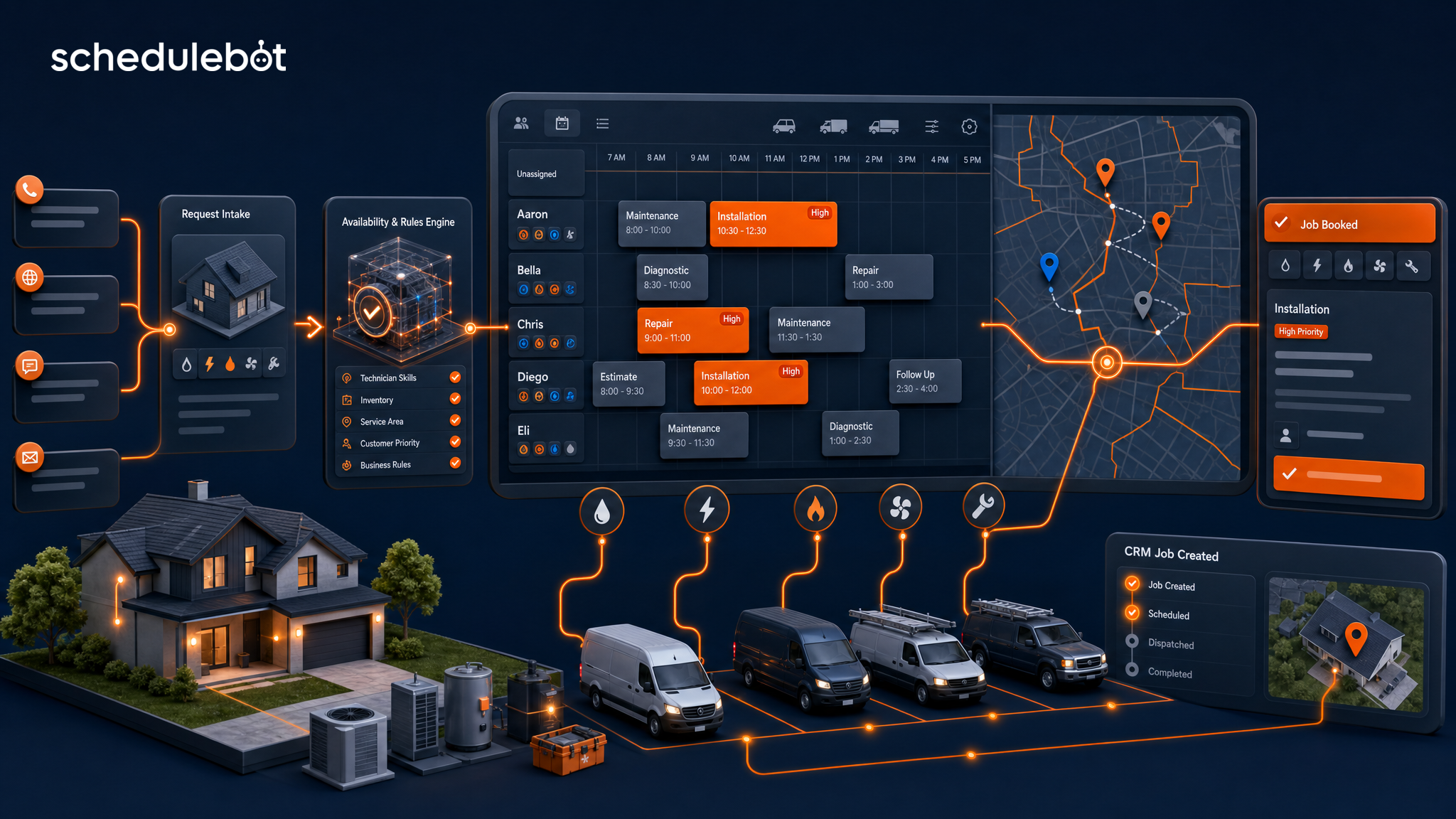
For mid-market contractors, the dispatch board is the source of truth. That is why CRM integration matters. In supported workflows, ScheduleBot can move qualified booking data into systems such as ServiceTitan, Housecall Pro, Service Fusion, JobNimbus, and other field-service platforms.
The goal is not to create a second calendar. The goal is to turn online demand into a structured booking or lead the team can trust.
Contractors should evaluate online booking software by operational fit and booked-job outcomes, not by the number of form fields it can display. A useful checklist includes:
That is the standard home service companies should expect from appointment booking software. Anything less may be a form with better styling.
ScheduleBot is built specifically for home service companies that need to answer, qualify, schedule, and recover demand across calls, website forms, chat, SMS, and follow-up. It supports the CSR team by handling repetitive intake, after-hours demand, overflow, and structured booking workflows while leaving complex exceptions to humans.
The platform is designed around service area, job type, business unit, priority, live availability, branch routing, CRM job creation, and lead follow-up. For contractors, that means the website booking experience can act less like a static inbox and more like a real scheduling layer.
This article is part of ScheduleBot's cluster around home service answering service and scheduling software. For adjacent scheduling operations, see the guide to field service scheduling software for home service companies.
An online booking system for home services should not stop at collecting a form submission. It should guide the customer, apply contractor-specific rules, check availability, create a clean booking or lead, and recover opportunities that would otherwise disappear.
Static forms lose jobs because they delay the moment that matters: turning customer intent into a confirmed next step. AI-guided booking closes that gap.
An online booking system for home services is software that lets customers request and schedule jobs online while applying the contractor's service-area, job-type, availability, priority, and CRM rules. For HVAC, plumbing, electrical, roofing, and similar trades, the best systems do more than collect a form submission. They guide the customer, qualify the request, show real booking options when available, and create a clean job or lead for the office.
Static online forms lose jobs because they collect information without guiding the customer to a confirmed appointment. They usually ask every visitor the same questions, do not understand urgency or job type, do not check service area or availability, and often rely on a CSR to call back later. In home services, that delay gives the customer time to book with a faster competitor.
Home service online booking software should include mobile-friendly intake, job-type routing, service-area validation, live availability, after-hours and emergency rules, CRM or dispatch integration, lead capture when booking is blocked, automated follow-up, and reporting by source. Contractors should evaluate it by booked jobs and recovered opportunities, not just form submissions.
AI-guided booking improves appointment booking software by asking the next useful question instead of forcing every customer through the same static path. It can interpret the customer's issue, classify the likely service type, identify urgency, apply company rules, and move the interaction toward a booking or recoverable lead.
Yes, for most mid-market home service contractors, CRM integration is what separates real online booking from message taking. If the scheduler cannot create a usable job or lead in systems like ServiceTitan, Housecall Pro, Service Fusion, or JobNimbus, the office still has to re-enter information and clean up the request manually.